How to install and set up Happ on Android?
Download links
Installation
1
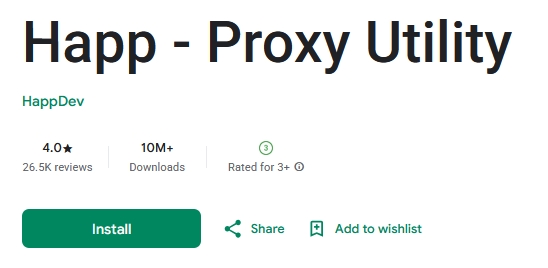
Download the Happ app from Google Play
2
Copy your subscription link
Open your account in the bot or on the website and copy the link
In your account
- Open your account in the bot or on the website
- Find the "Subscription" section
- Copy your link
3
Open Happ and add the subscription
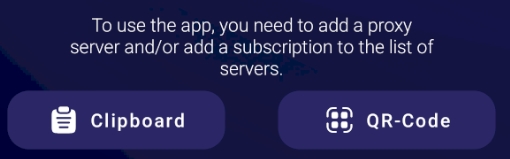
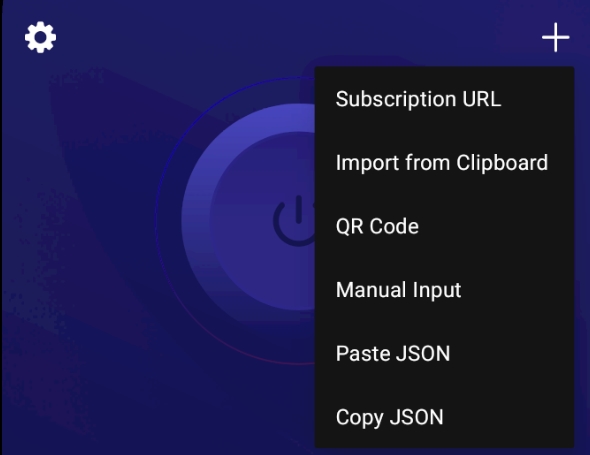
Tap "From clipboard" (if you're opening the app for the first time) or tap + and then "Paste from clipboard"
or
4
All done!
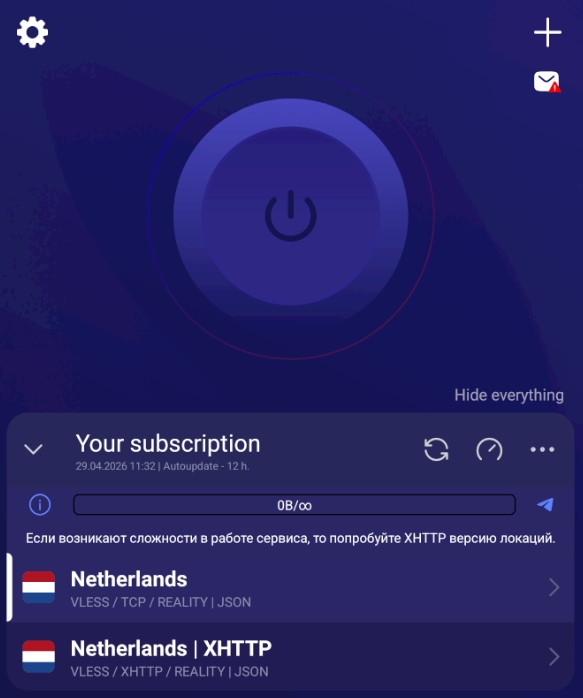
Before starting, make sure the desired location is selected in the app — once selected, the connect button will become active.
If the main server is not working
Switch to XHTTP
If you're experiencing issues with the service:
- Disconnect
- Select the XHTTP server
- Connect again