How to install and set up Happ on iOS?
Download links
If your App Store account is not Russian, download the global version of the app from the App Store
Installation methods
- Manual
- Automatic
Manual installation
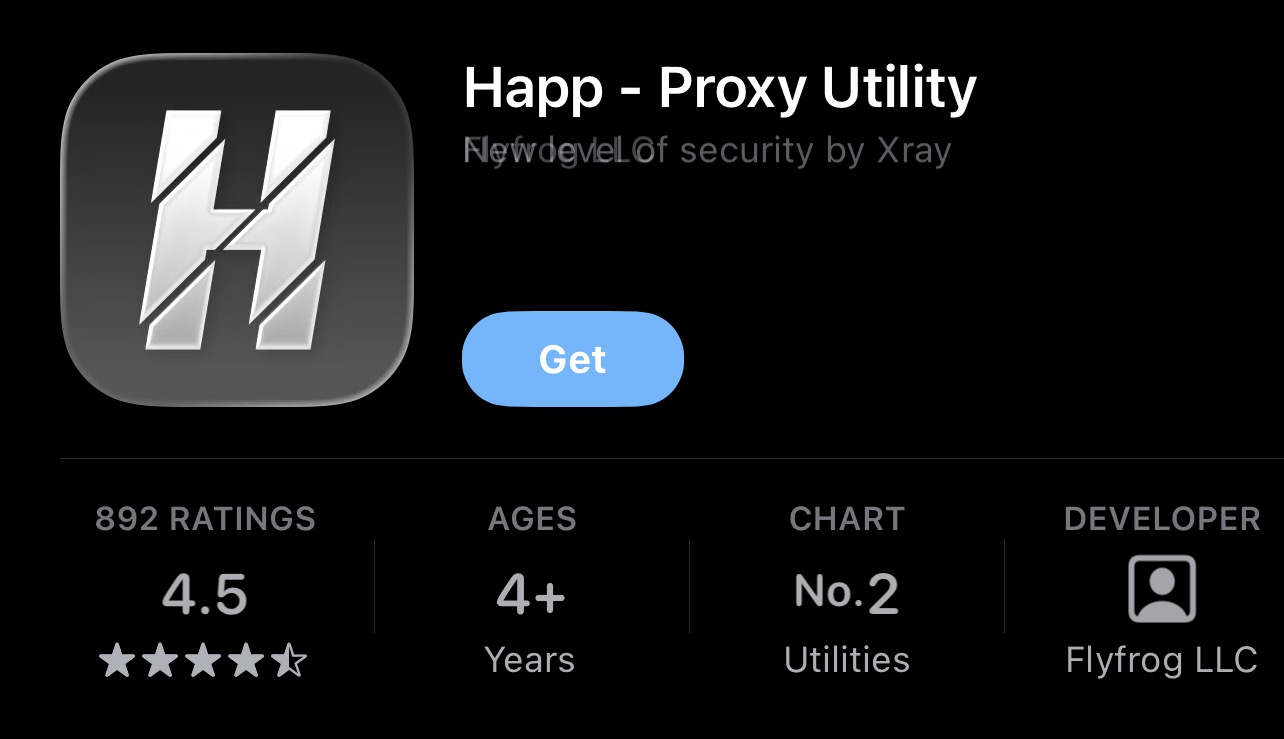
Download the Happ app from the App Store
Copy your subscription link
Open your account in the bot or on the website and copy the link
In your account
- Open your account in the bot or on the website
- Find the "Subscription" section
- Copy your link
Open Happ and add the subscription
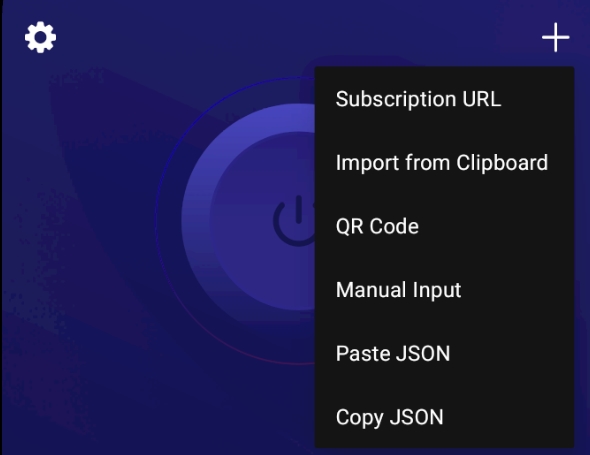
Tap "From clipboard" (if you're opening the app for the first time) or tap + and then "Paste from clipboard"
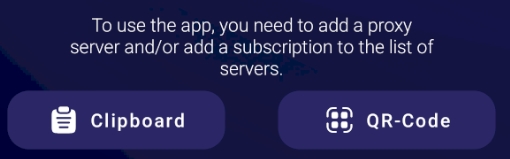
or
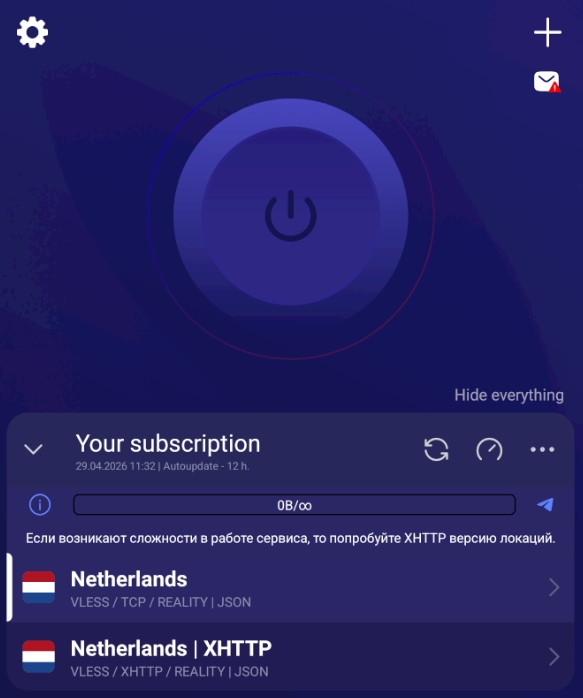
All done!
Before starting, make sure the desired location is selected in the app — once selected, the connect button will become active.
Automatic installation
Open your account
Open your account in the bot or on the website and go to the "Installation and setup" section
Select iOS and Happ
Select your operating system, then select the Happ app
Select iOS and Happ
Tap "Download", then after installation tap "Add subscription" in your account
All done!
Before starting, make sure the desired location is selected in the app — once selected, the connect button will become active.
We also recommend
Enable IPv6
We also recommend enabling the preferred IP type in the app — IPv6&IPv4
How to enable IPv6 in Happ? →