How to install and set up v2rayTUN on iOS?
Download links
Installation
1
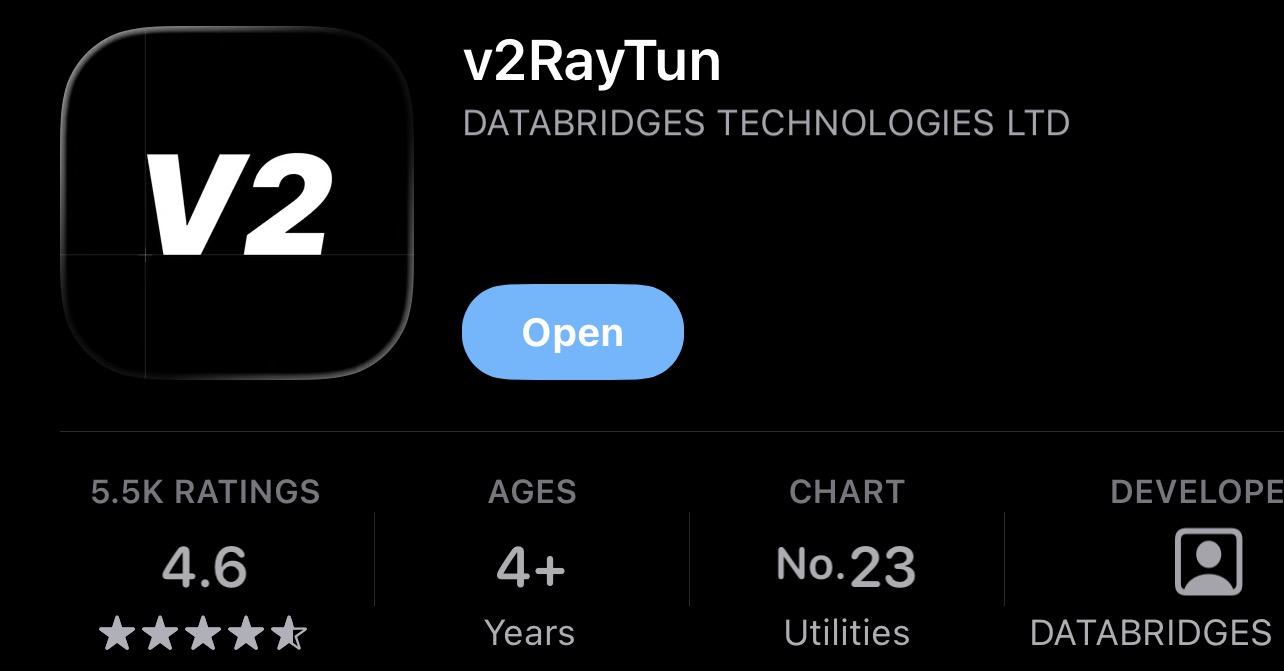
Download the v2rayTUN app from the App Store
2
Copy your subscription link
Open your account in the bot or on the website and copy the link
In your account
- Open your account in the bot or on the website
- Find the "Subscription" section
- Copy your link
3
Open v2rayTUN and add the subscription
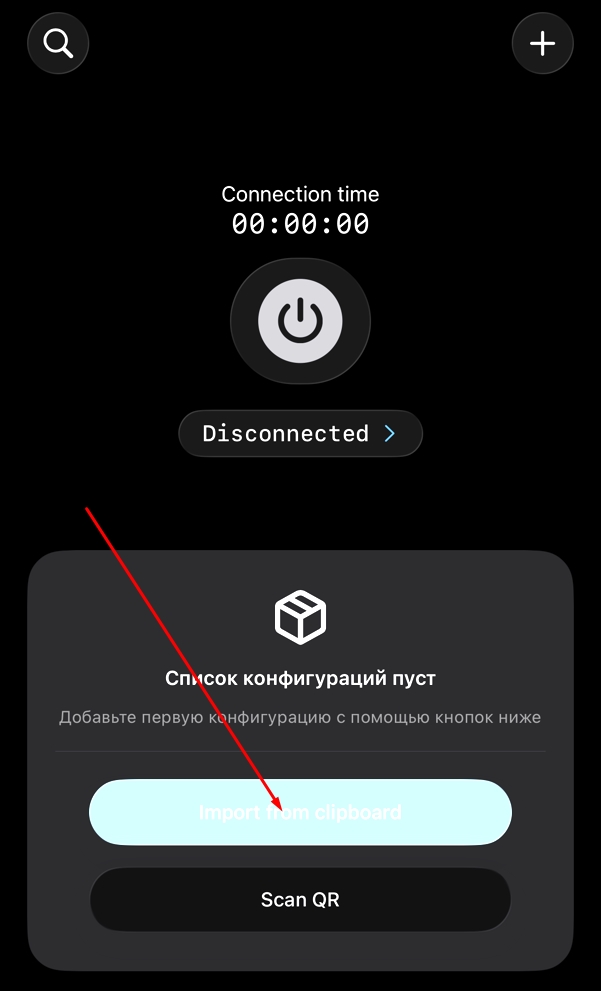
Tap "Import from clipboard" (if you're opening the app for the first time) or tap + and then "Import from clipboard"
4
All done!
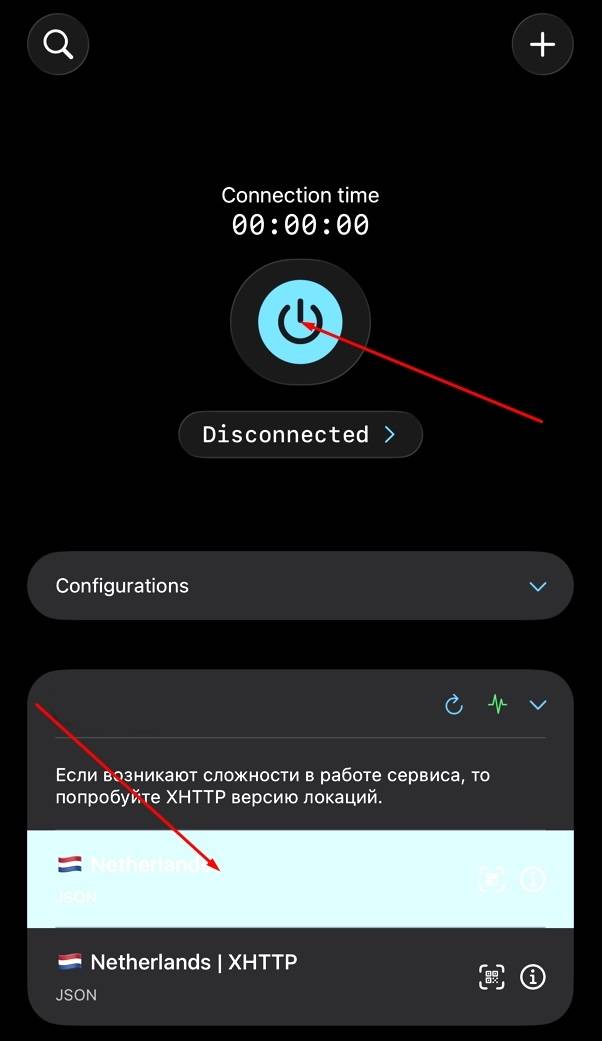
After adding the subscription, a profile with server selection will appear. Choose the desired location and press the connect button.
If the main server is not working
Switch to XHTTP
If you're experiencing issues with the service:
- Disconnect
- Select the XHTTP server
- Connect again